

As we promised about a month ago, we will be releasing more freebies , so here is one small but useful freebie — Photoshop action that makes a very nice vintage effect.
This action will not only add washed effect and sepia tone to your photo, like most standard actions do, it will also fix any dark areas you have on the photo (like the black dress curves you see on our example), will add a few layers on noise, one standard and the other imitates small mild scratches. Moreover, there are a several layers of colorization, which allows our action to output a photo as close as possible to the professional photography of the past decade.
We hope you will enjoy this action and please do leave feedback, as always we appreciate any requests and ideas, as well as critiques.
The download contains 1 action, and 3 examples of (1) photo with high contrast and light background, (2) photo of good contrast and light background, and finally (3) dark background photo, so you will see what this free action is capable of. If you’d like to see more of our PROFESSIONAL Photoshop actions, please have a look at our earlier released “12 HDR pro Actions” and “Photographers’ Tool Kit” actions.
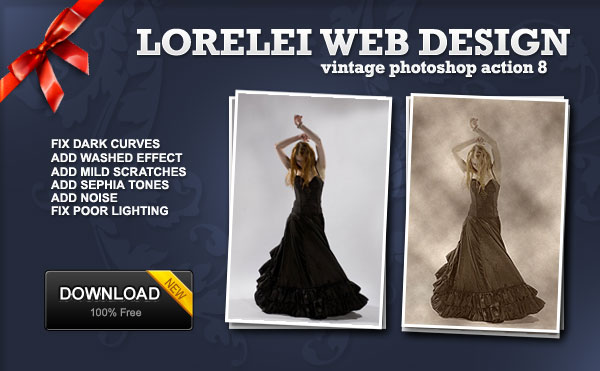
A closer look at our example:
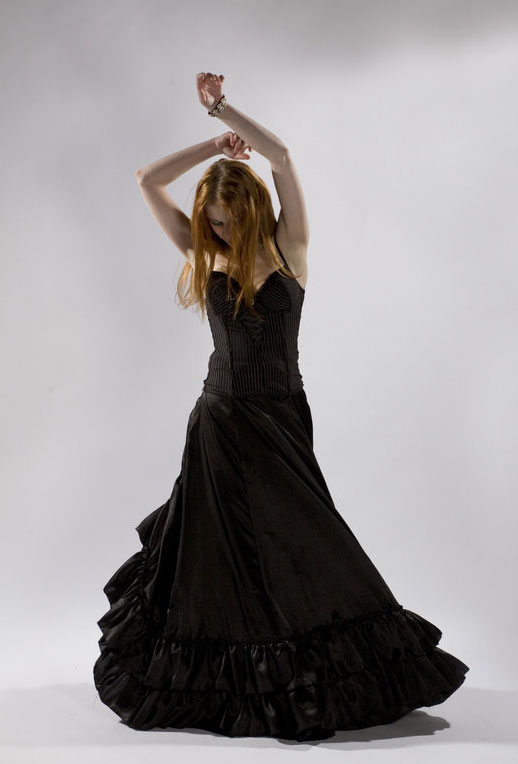
And processed image:


great action, love the colour variation, thanks for sharing
Sue : )