

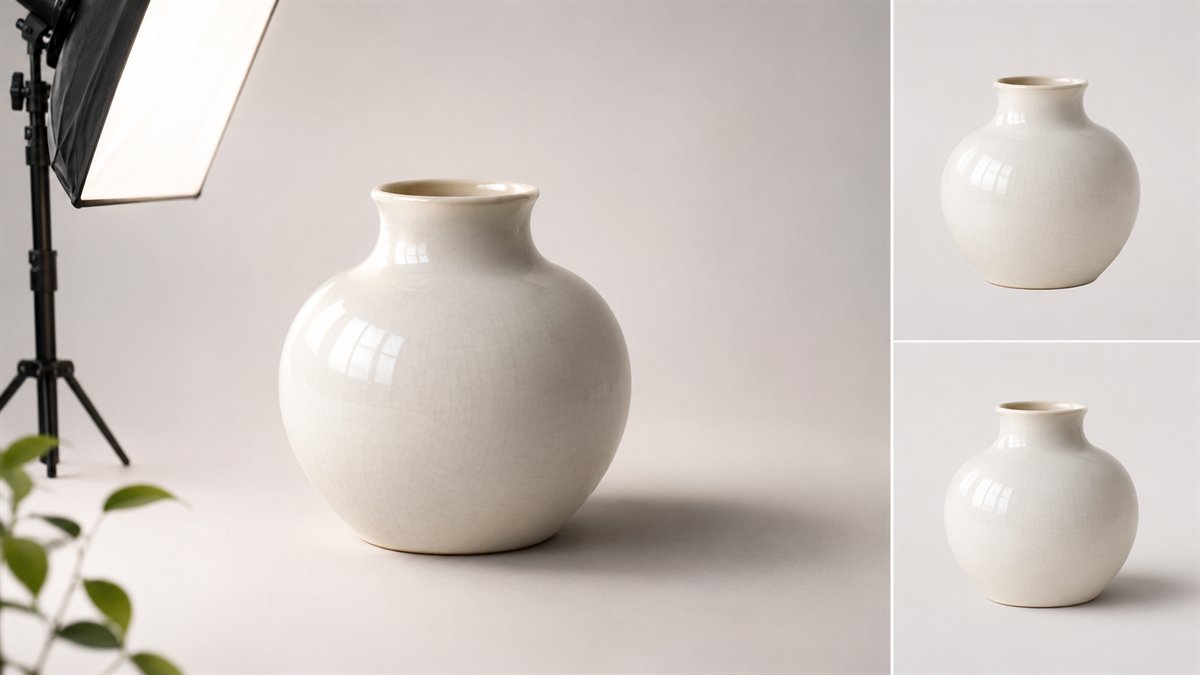
A gray oval under a product can make it look more pasted in, not less. The shadow needs to describe the product’s relationship to a particular surface and light source. A standing bottle, a flat box, and a suspended object will not cast the same shape.
Prepare the image
Use a clean cutout or approved render of the actual product. Keep it on a separate layer above the background. Identify the brightest side of the object and any visible shadow already present in the background. If the product has lighting from the left but the scene’s light comes from the right, a new shadow alone will not fix the mismatch.
Create the contact shadow
Add a new layer between the product and background. Paint or draw a small dark shape just beneath the area that physically rests on the surface. Soften its edge slightly and reduce opacity until it grounds the object without becoming a black outline. Keep this shadow close to the contact point; a large blurry patch cannot replace it.
Add a broader cast shadow
On a second layer, build a shadow shape that follows the object and falls away from the light. Transform its shape to fit the surface perspective. Blur its edge and lower the layer opacity, then add a mask so the distant end fades. Adobe’s blur guide describes Gaussian Blur and recommends applying blur to a duplicate or Smart Object for flexibility. Its mask guide explains how black, white, and gray on a mask change visibility without erasing the layer.
There is no universal blur radius or opacity. A large canvas, a hard studio light, and an overcast scene need different values. Adjust against the source scene rather than copying a number from another image.
Check for the common failures
- The shadow falls toward the light instead of away from it.
- A bright gap remains under the object’s lowest edge.
- The shadow is equally sharp from contact point to far edge.
- Its color is pure black while the scene’s existing shadows are tinted or softer.
- The product’s own highlights conflict with the new background.
Zoom out and view the export inside the blog layout. The shadow should help the product sit in the scene without drawing attention to itself. If the composite still looks false, a simpler background or a real photograph may be the better choice.
