Skip to content
Lorelei Web Design

Photoshop tutorials and premium downloads

  • Blog
  • Advertise
  • Contact
  • Best iGaming Software
  • Blog
  • Advertise
  • Contact
  • Best iGaming Software
  • Turn a Brunette Girl Into a Beautiful Mermaid - PS Tutorials Lorelei Web Design
    PS Tutorials

    Turn a Brunette Girl Into a Beautiful Mermaid

    December 26, 2009 - By Elizabeth Lorelei Sramek

    This tutorial is mostly for advanced users, as it will require a lot of “manual labor”, brightening small areas in the face, adding hair from another picture, etc. If all these steps won’t be done neat, you are risking to make a funny monster, rather than a mermaid… anyway, this…

    Continue Reading
  • 75 Best Wordpress Plugins That Make Bloggers Lives Easier - PS Tutorials Lorelei Web Design
    Blog

    75 Best WordPress Plugins That Make Bloggers Lives Easier

    December 26, 2009 - By Elizabeth Lorelei Sramek

    WordPress is fun and blogging can, at some point, turn from a weekends hobby to a full time business online. Sounds familiar? But if you do consider making your blog a business, or at least taking it to a professional level, you will need to enhance your platform with some…

    Continue Reading
  • Awesome Text Effect With Sparkles 80's Disco Style - PS Tutorials Lorelei Web Design
    PS Tutorials

    Awesome Text Effect With Sparkles 80’s Disco Style

    December 21, 2009 - By Elizabeth Lorelei Sramek

    This is what we are going to do today, this very simple tutorial will lead to an awesome effect! Start off by creating a new canvas, 450*250 pixels. It doesn’t matter with what colour you fill it as we will overlay it with a gradient effect later. Make a new…

    Continue Reading
  • Design A Perfectly Glossy Logo or Button - PS Tutorials Lorelei Web Design
    PS Tutorials

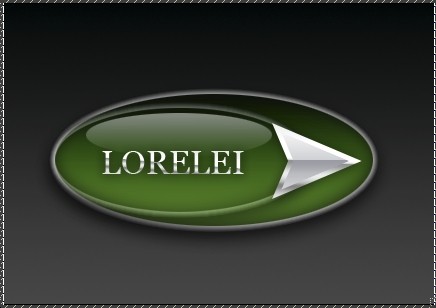
    Design A Perfectly Glossy Logo or Button

    December 20, 2009 - By Elizabeth Lorelei Sramek

    Step 1. Create a new canvas, we used 430*300px, but you may want to use a different size depending on your layout size. Step 2. Select the gradient tool and using two colours – #000000 and #454545, draw a line from top to the bottom, making your background gray fading…

    Continue Reading
  • Design A Professional Art Grunge Web Layout - PS Tutorials Lorelei Web Design
    PS Tutorials

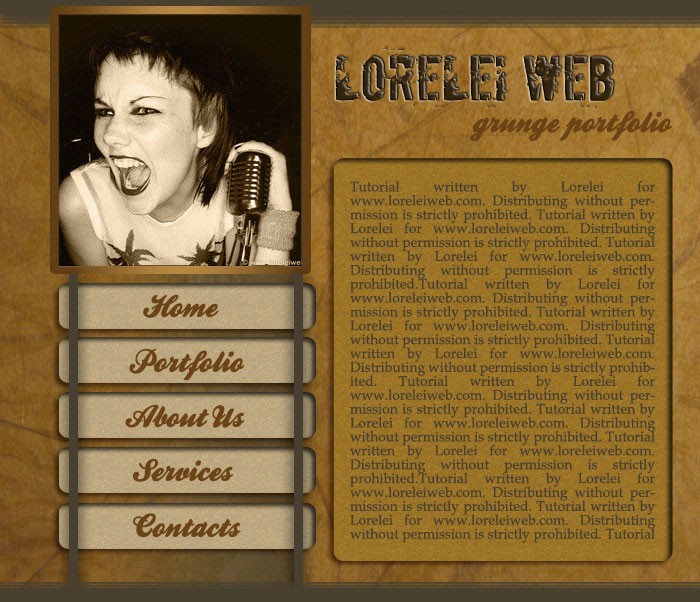
    Design A Professional Art Grunge Web Layout

    December 19, 2009 - By Elizabeth Lorelei Sramek

    Ok, today you will be making this incredible web layout.. i personally think it’s one of the most professional tuts I have made recently but that is for you to judge.. anyway, here is your result: Before you get started, you need some resources, such as grungy texture and photos…

    Continue Reading
  • Sexy Portfolio Template Making a Gorgeous Splash Page - PS Tutorials Lorelei Web Design
    PS Tutorials

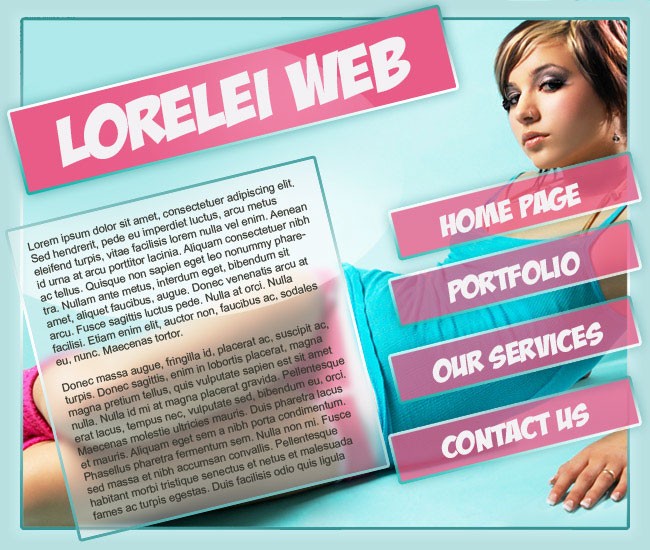
    Sexy Portfolio Template Making a Gorgeous Splash Page

    December 19, 2009 - By Elizabeth Lorelei Sramek

    This is the template we are going to make… OK, lets get started… Make a new canvas, 650 * 550 and fill it with #cff3f5 Press Ctrl + A on your keyboard to select the canvas fully. Go to Select >> Modify >> Border and add decide how many pixels…

    Continue Reading
  • Design a Military Clothes Texture or Pattern - PS Tutorials Lorelei Web Design
    PS Tutorials

    Design a Military Clothes Texture or Pattern

    December 18, 2009 - By Elizabeth Lorelei Sramek

    This tutorial will show you how to make a background which imitates classical army clothes. This could be used if you apply a military style clothes in a photo manipulation, or want to have such a stylish look as a background to your website, in this case however, make sure…

    Continue Reading
  • Design Animated Digital Clock With Live LCD interface - PS Tutorials Lorelei Web Design
    PS Tutorials

    Design Animated Digital Clock With Live LCD interface

    December 15, 2009 - By Elizabeth Lorelei Sramek

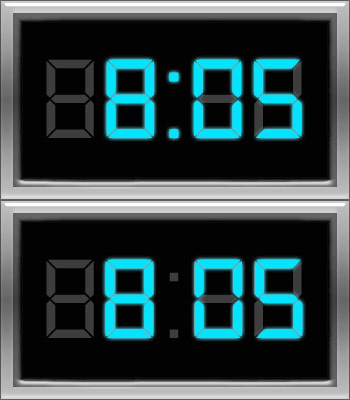
    Ok, we will make an animated digital clock, same like most of us have inbuilt in the radio… Start off by making a new canvas, 350 *200, and fill it with black (#000000) First we will make a frame for our clock. Select the entire canvas and go to Select…

    Continue Reading
  • Design a High Resolution Christmas Glossy Icon - PS Tutorials Lorelei Web Design
    PS Tutorials

    Design a High Resolution Christmas Glossy Icon

    December 12, 2009 - By Elizabeth Lorelei Sramek

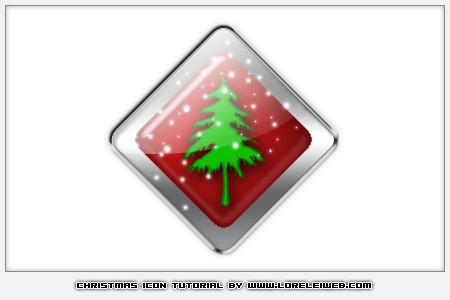
    Okay, it’s been a while since I released a tutorial and it’s about time for a new lesson, so I thought Christmas would be most inspiring idea. We will be creating this high-resolution glossy Xmas icon: First step is make a new canvas n your desired size. Select the Custom…

    Continue Reading
 Older Posts
Newer Posts 
2026 Copyright by (c) Lorelei Web Design. All Rights Reserved
Graceful Theme by Optima Themes