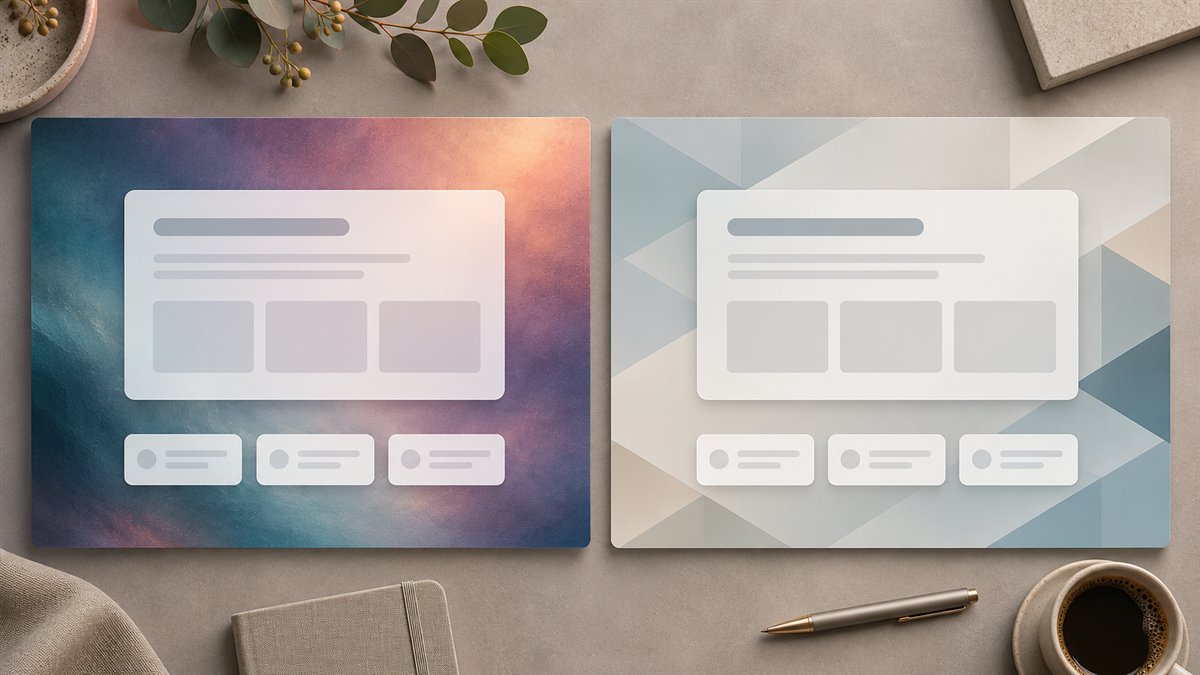
A website background is successful when the page content remains easy to read. The image may be elaborate, but a hero heading, button, or product photograph still needs a clear place to sit. Comparing generators by how attractive their galleries look misses the design problem.
What the two services actually offer
Midjourney’s aspect-ratio documentation describes the --ar prompt parameter and later canvas changes through pan, zoom, or its editor. This matters when a hero needs a wide composition and the subject must sit away from the text. Its documentation notes that unusually wide ratios can produce unpredictable results.
Freepik’s AI suite has been renamed Magnific. Its quickstart describes an image generator, image editor, background tools, and a stock-asset library. That combination may suit a workflow that mixes generated imagery with existing assets. It does not establish that its output is more accurate or visually better than Midjourney’s; that would need a controlled comparison.
| Decision | Midjourney | Magnific (formerly Freepik AI) |
|---|---|---|
| Starting point | Prompt-led image creation with ratio and canvas controls | Generation, editing, and stock assets in one suite |
| Useful check | Can the image be composed or extended around the text area? | Does the chosen asset or edit fit the page without a license or attribution surprise? |
| What neither decides | Whether the background improves the page once real text and controls are placed over it | |
Test the same brief in the real hero
Use the same brief for each candidate: “Wide, low-detail background for a website hero about [topic]. Place the main subject on the right; leave the left side calm for a two-line heading and button. Avoid text, logos, and high-contrast detail behind the copy.” Generate or choose a candidate, then place the real heading and button over it. A quiet area in the raw image may become busy after a mobile crop.
- Desktop: Is the text legible at the actual hero width, or does it need an overlay?
- Mobile: Does the crop preserve the subject and a usable text area?
- Content fit: Does the image suggest something the page does not offer?
- File weight: Is the exported image appropriate for the displayed size?
- Reuse: Can related pages share a coherent visual system without repeating one generic scene?
Check rights before choosing a winner
Midjourney’s commercial-use guidance lists exceptions, including images created by another user and a plan requirement for businesses above its stated revenue threshold. Magnific’s quickstart says its free plan is for personal use with attribution and points commercial users to paid plans. Check the current terms for the account and asset you actually use; stock files and AI outputs may have different conditions.
The better choice is the asset that survives the page test and can be used under the right terms. If neither gives a quiet, honest background, a solid color or simple pattern can serve the page better.
Product names and service documentation checked on 3 November 2026.
