

People are aware of the purpose of a wordpress theme, but what they are not aware of is how to identify a good wordpress theme. This is a prominent problem with majority of the people who require a wordpress theme for their blog. In order to completely achieve the purpose of using a wordpress theme, one has to select the right wordpress theme for one’s blog. In this article, you will know about some essential things that must looked for in a wordpress theme that you are searching to be used in your blog.
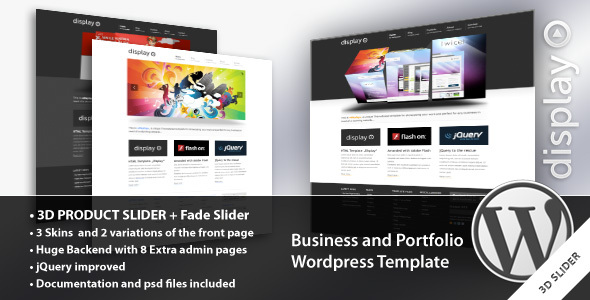
Flexibility is the essence of a good wordpress theme. This means that once it is installed on your blog, customizing it should not give you any difficulty. If the theme lacks flexibility in usage then it would make it cumbersome for you to customize the blog by yourself and you would most probably need to hire someone to do job for you. An ideal wordpress theme should also be apt for search engine optimization. To enable people to find their way to your blog, you have to ensure that keywords pertaining your blog are present in the related search results, thus bringing people to your blog for the information that you have provided for others. SEO customized templates of wordpress themes are ideal for one’s blog as these themes are naturally designed in a way that will help you in the optimization of the search results of your blog.
It’s easy to see why WordPress themes are so worthy of one’s attention. With the optimal theme, you can adjust all the nifty little widgets and codes, and also ensure better search engine rankings and loads of fresh traffic daily.
Design Yourself
The web is quite over-saturated with wordpress tutorials, but only a few of them really teach you how to make a GREAT WordPress theme yourself, here are our best picks:

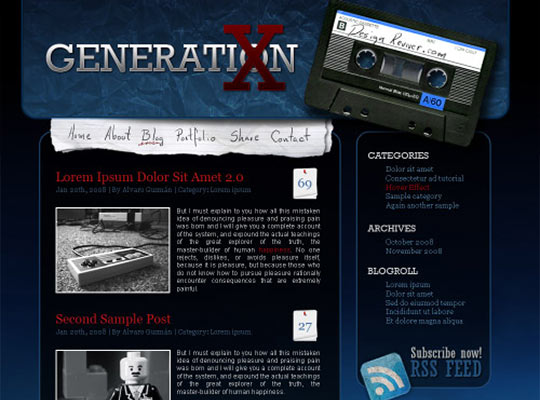

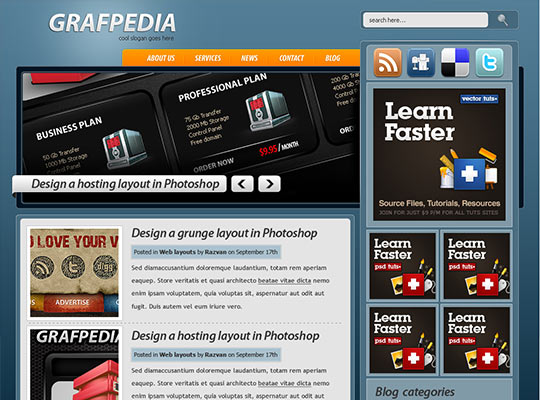

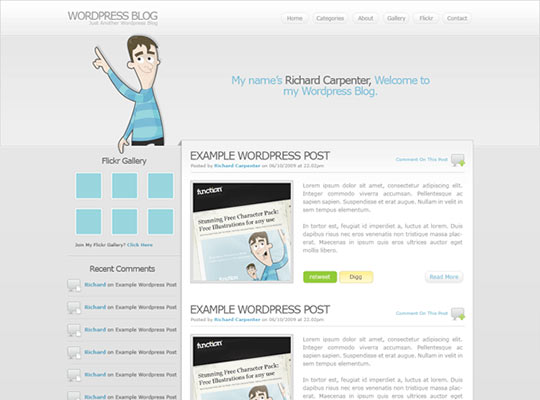

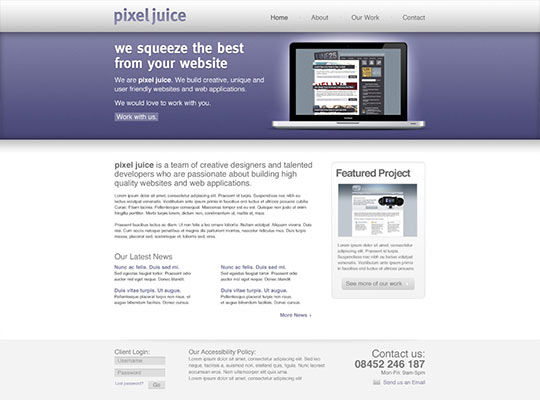
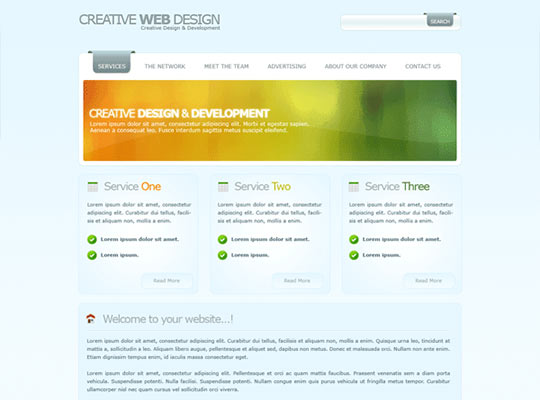
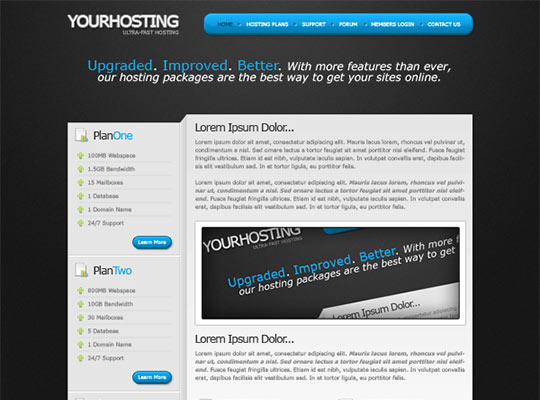
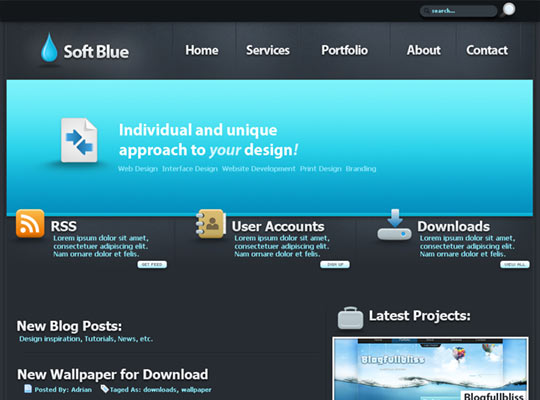
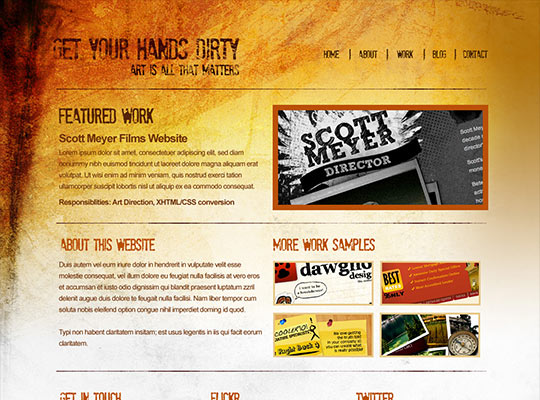

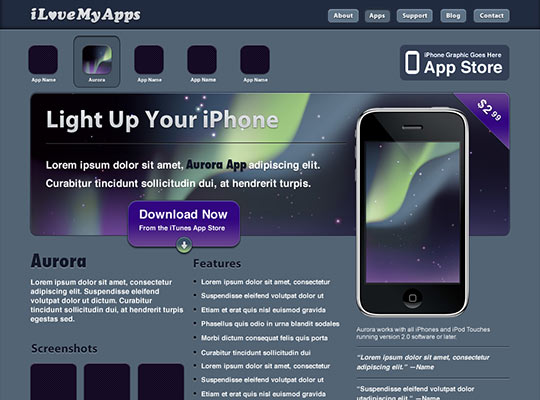
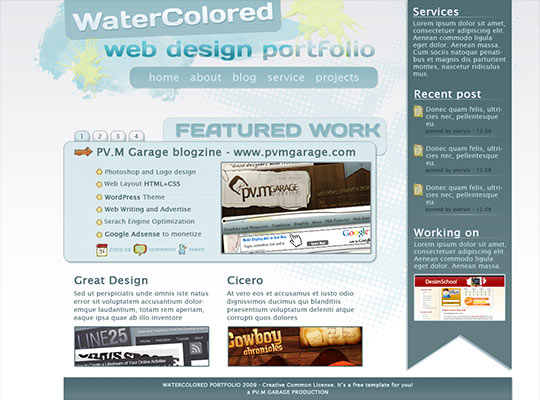
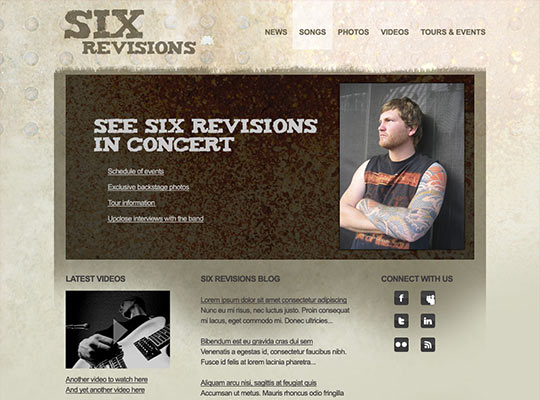
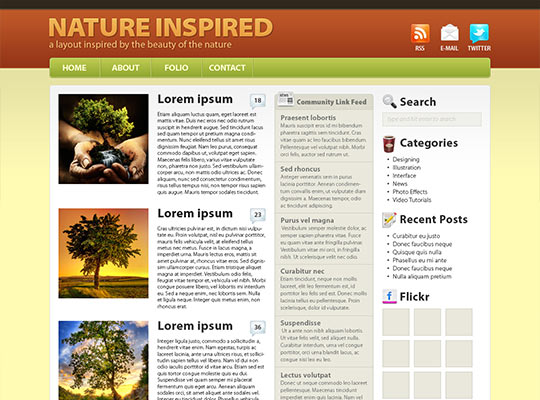
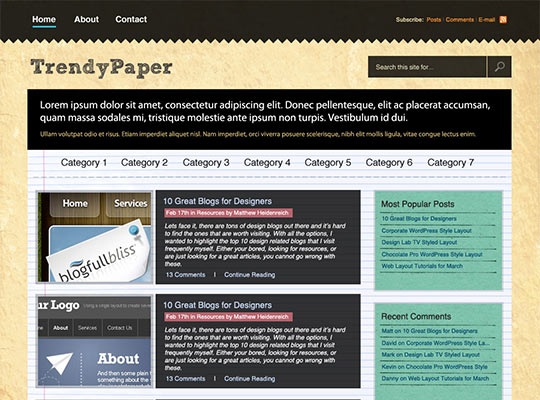
In my opinion, these tutorials will help you to design your own web 2.0 theme that will blow visitors attention away, and be just as good as the ones offered on WooThemes and ThemeForest.
Need your PSD coded? We recommend PSD to WordPress Conversion from $99 only, offered by SramekDesign.com to our readers.
But, before you get overwhelmed with the design process, there are certain factors you need to consider to make the correct choice of WordPress theme? Here are five essential ones:
1. Theme Width and Columns
Generally, WordPress themes are available in 2-column or 3-column formats, with widths in the range of 500 pixels to 960 pixels. In case of non-profit purpose blogs, a 2-column theme can appear more compact and reader-friendly. Since you have fewer images of goods or links to other sites to display, you can throw light exclusively on the content without pushing readers away from your site.

[…] Visit link: Lorelei Web Design » Designing Your First WordPress Theme – The … […]
[…] Original Article […]
[…] More here: Lorelei Web Design » Designing Your First WordPress Theme – The … […]
Looking so nice works 🙂 thanks
Its an awesome article, so informative
[…] post: Lorelei Web Design » Designing Your First WordPress Theme – The Full DIY Giude Tags: […]
Thanks for posting this article. I particularly enjoyed the Grafpedia tutorial, it covers all the basics of designing a WordPress theme as well as a great looking design. It’s ideal for anyone just starting to work with WordPress, i’d recommend it.
these are interesting themes and a very informative blog. it sure can be a great reference for my clients.
[…] Loreleiwebdesign – designing your first wordpress theme the full diy giude […]
really very informative post, it covers all steps of designing wordpress theme, thanks for sharing this great tutorial
Really very informative post, I found many nice themes, I wish it will be useful for wordpress users
Fantastic weblog. Plenty of helpful information here. I was looking for this.Thanks for sharing!
Hey thanks for your informative post. everyone should identify the point you made for choosing a theme for his or her blog.. Much appreciated