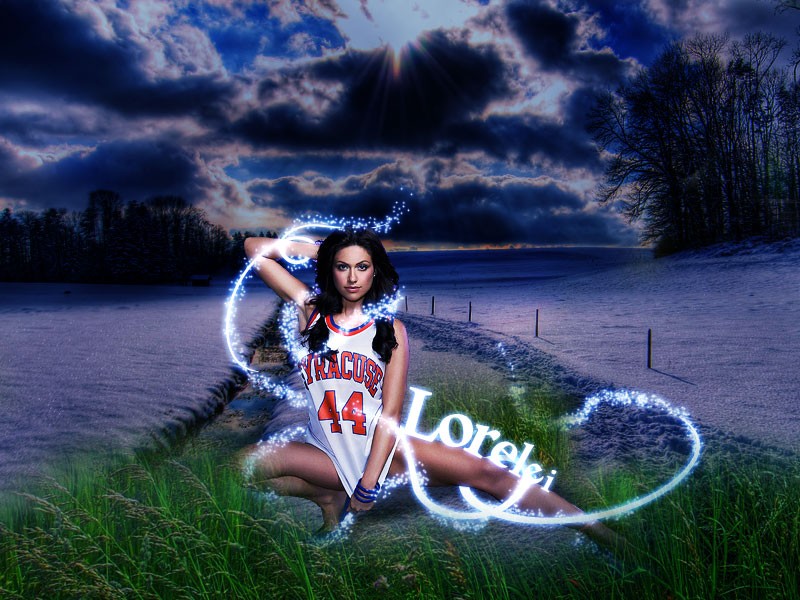
I get a lot of emails from beginners who want to learn the advanced tutorials that involve glow and sparkles effects, yet they are not very familiar with the pen tool and other tools that require a little bit of experience and knowledge, even if these tools seem basic to…
PS Tutorials
-
-
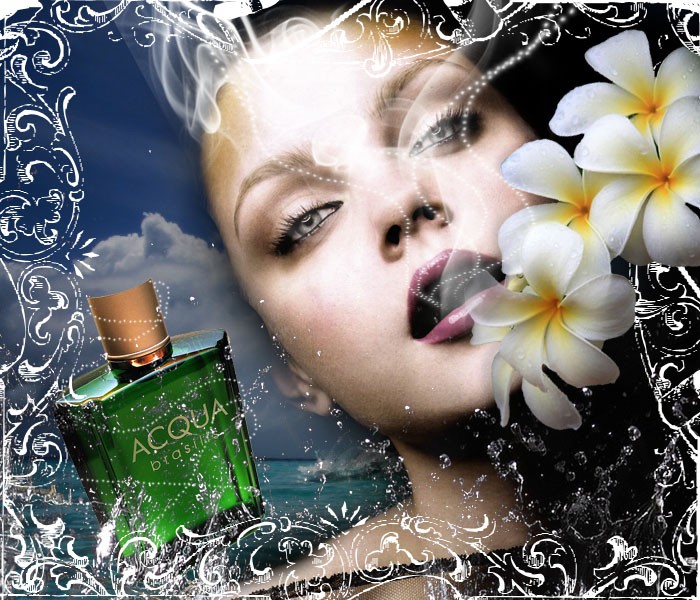
Design a Stunning French Perfume Advert Poster
After the huge success of my previous Photoshop Tutorial for perfume commercial poster, I received so many requests asking to make more tutorials in this nature, so it took a while but finally I had a muse and I came up with a nice idea for a modern, not realistic,…
-
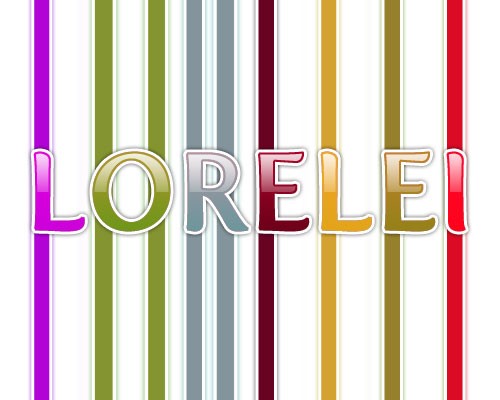
Design a Glossy Candy Text Effect For Kids
This is a very tutorial for making colorful text, ideal for any kids decoration or web sites. we will be making this.. So, start off my creating a new canvas, 500*400, and fill it with the white color. Using the “Fertigo” font, type any word you like, and choose the…
-
Turn a Brunette Girl Into a Beautiful Mermaid
This tutorial is mostly for advanced users, as it will require a lot of “manual labor”, brightening small areas in the face, adding hair from another picture, etc. If all these steps won’t be done neat, you are risking to make a funny monster, rather than a mermaid… anyway, this…
-
Awesome Text Effect With Sparkles 80’s Disco Style
This is what we are going to do today, this very simple tutorial will lead to an awesome effect! Start off by creating a new canvas, 450*250 pixels. It doesn’t matter with what colour you fill it as we will overlay it with a gradient effect later. Make a new…
-
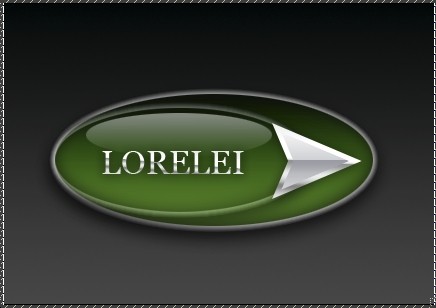
Design A Perfectly Glossy Logo or Button
Step 1. Create a new canvas, we used 430*300px, but you may want to use a different size depending on your layout size. Step 2. Select the gradient tool and using two colours – #000000 and #454545, draw a line from top to the bottom, making your background gray fading…
-
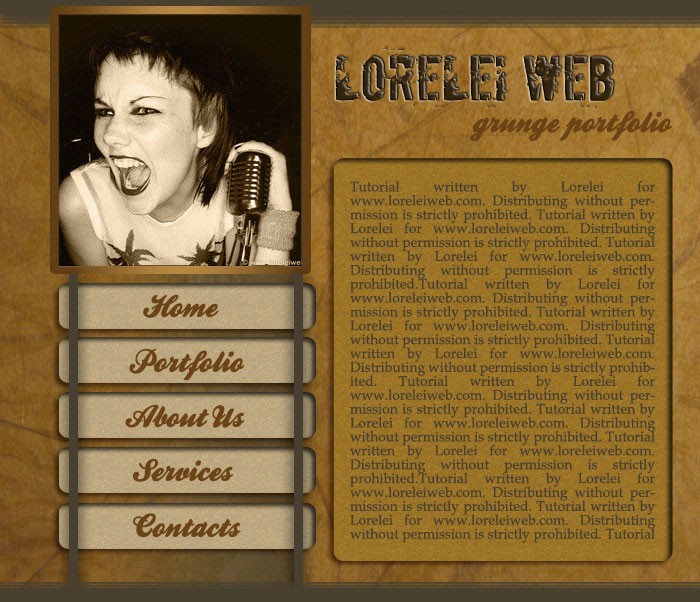
Design A Professional Art Grunge Web Layout
Ok, today you will be making this incredible web layout.. i personally think it’s one of the most professional tuts I have made recently but that is for you to judge.. anyway, here is your result: Before you get started, you need some resources, such as grungy texture and photos…
-
Sexy Portfolio Template Making a Gorgeous Splash Page
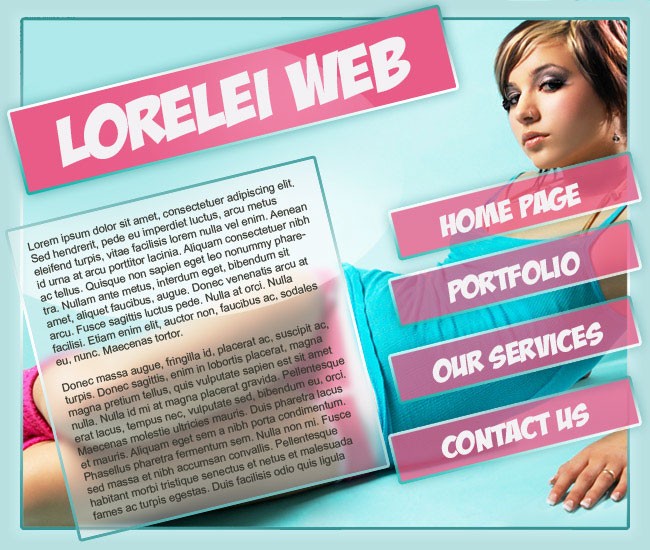
This is the template we are going to make… OK, lets get started… Make a new canvas, 650 * 550 and fill it with #cff3f5 Press Ctrl + A on your keyboard to select the canvas fully. Go to Select >> Modify >> Border and add decide how many pixels…
-
Design a Military Clothes Texture or Pattern
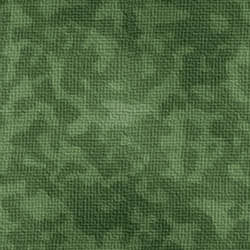
This tutorial will show you how to make a background which imitates classical army clothes. This could be used if you apply a military style clothes in a photo manipulation, or want to have such a stylish look as a background to your website, in this case however, make sure…