

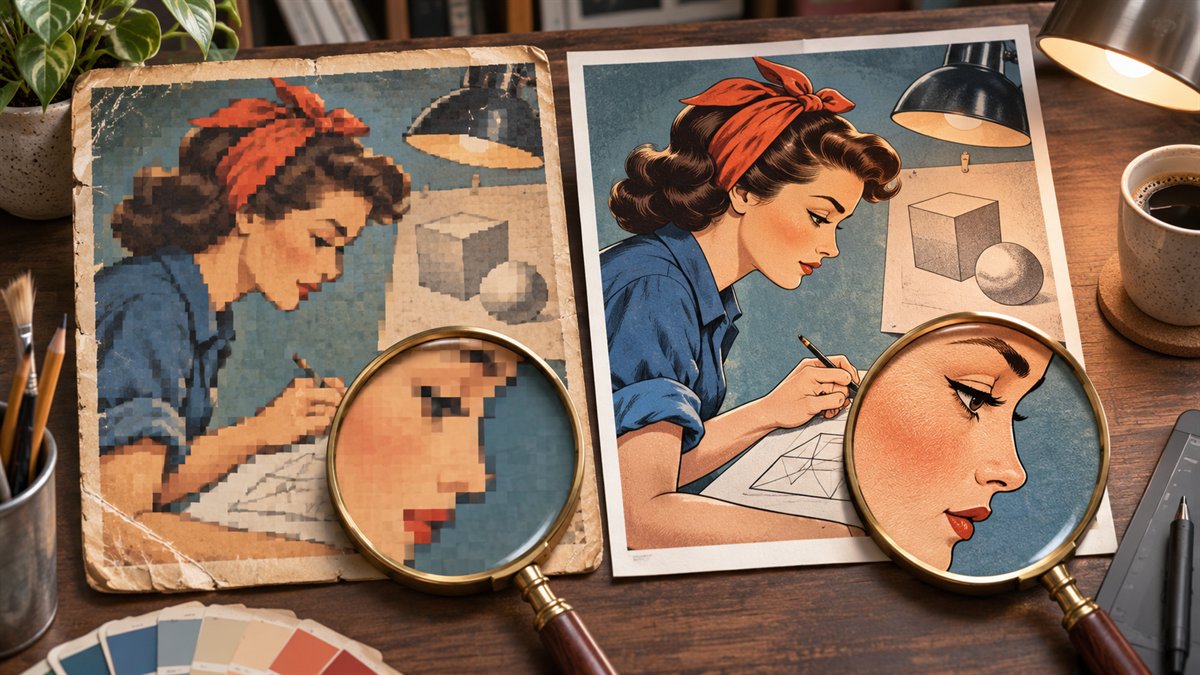
Old tutorials often contain small screenshots, soft JPEGs, and graphics made for a narrower page layout. Upscaling may make a photograph appear cleaner, but a tutorial image has a stricter job: it must show the right control, wording, and sequence. An AI tool can invent plausible detail where the source is blurred.
Try the source file first
Look for the layered design, original photo, or uncompressed screenshot. A new export from that source is preferable to asking a model to infer missing detail. If the graphic contains live text or a diagram, consider rebuilding those elements as editable text or vector shapes. Keep the old file so the replacement can be checked against it.
Check the tutorial’s software version as well. A high-resolution rendering of an outdated interface can be more misleading than a plainly dated screenshot. If the steps no longer match the current product, update the tutorial and capture the current interface rather than polishing the old image alone.
Choose the method by image type
| Source | First option | Risk to inspect |
|---|---|---|
| Original photograph | Re-export or resize from the highest-quality source. | Artificial texture, altered product edges, or a subject that no longer matches the lesson. |
| Software screenshot | Capture the interface again at the needed size when possible. | Changed labels, menus, cursor location, or controls invented by AI. |
| Diagram or typography graphic | Rebuild text and shapes from the editable file or source data. | Incorrect arrows, numbers, spacing, or labels. |
| Only a small raster remains | Test a conservative upscale on a copy. | Detail that appears sharper but is not faithful to the original. |
Inspect the result in two views
First, compare the original and replacement at matched dimensions and crop. Zoom to the interface labels, icons, arrows, and text that the article tells readers to use. If any of those change, discard or repair the result from an authoritative source. Do not copy an AI-invented label into the written instructions.
Second, place the new image in the actual WordPress post and review it at desktop and narrow widths. A file can look sharp at full resolution yet still be unreadable when the theme scales it down. A larger file may also be unnecessary if it provides no visible improvement at the display size.
Keep the comparison honest
If you show a before-and-after of the upscale, use the same crop and display size. State whether the original was re-exported, manually rebuilt, or processed with AI; those are different operations. Do not present an entirely redrawn interface as proof that an upscaler recovered detail from a tiny screenshot.
Where the image carries a step, make its alternative text and surrounding explanation describe the action, not merely its appearance. The W3C images tutorial explains how text alternatives depend on the image’s function. If the image is outdated but retained for historical context, label its version or date so readers know what it represents.
The practical decision is whether the new graphic makes the instruction easier to follow without changing the evidence. If it only looks smoother, keep the original, rebuild from source, or replace it with a current capture.
