

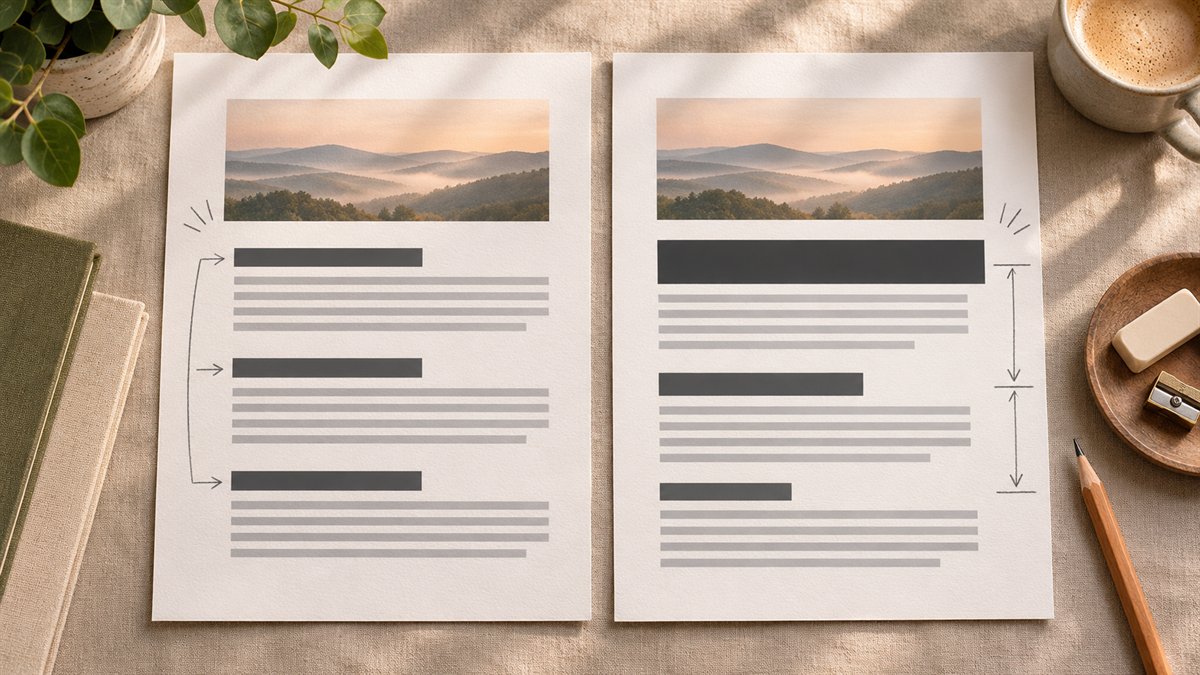
A heading audit has two jobs. The wording should tell readers what each section contains. The HTML heading levels should show how those sections fit together. ChatGPT can help with the wording and spot apparent gaps in an outline; it cannot confirm that a proposed heading matches a section it has not seen.
Start with the page that readers will see
Copy the title and headings from the rendered page or its editor outline. Include the H1, H2, and H3 levels, not just a list of phrases. If a section heading looks bold but is actually an ordinary paragraph, note that too. The W3C heading tutorial explains why heading ranks matter for navigation and why a subsection should sit beneath its parent section.
Before sending text to any external tool, remove client details or other material you are not allowed to share. For a public post, the published heading outline is usually enough for a first pass. If you want feedback on whether a heading accurately describes its section, include the relevant section text as well.
Ask for a diagnosis before a rewrite
A useful prompt sets a narrow task and requires reasons for each suggestion:
Review this blog post title and H1/H2/H3 outline. Identify headings that are vague, duplicated, out of order, or inconsistent with their level. Note any reader question the outline appears to miss. Suggest revised headings, and explain what each change fixes. Do not invent sections, tests, product features, or conclusions that are absent from the supplied text.
Ask for a second pass only after checking the first. OpenAI warns that ChatGPT can give plausible but incorrect answers; an attractive outline is not evidence that the article supports it.
What a better outline looks like
Here is an illustrative outline for a post about choosing three website colors. It is an example of editing headings, not a report of a test conducted for this article.
Before
- Introduction
- Why colors matter
- Tips
- Conclusion
After
- Assign a role to each color
- Check text and button contrast
- Test the palette in a real page
- Fix combinations that fail
The second set tells a reader what they can do in each section. It also exposes a content obligation: if the article has no actual contrast check, the heading cannot be added merely because it sounds useful. Write that section with evidence, or leave it out.
Check the hierarchy in WordPress
- Use the post title as the main heading in the finished page. Check the rendered HTML rather than assuming the theme handles it a particular way.
- Use H2 for main sections and H3 for subsections within an H2. Avoid jumping from H2 to H4 when introducing a subsection.
- Make headings specific enough to distinguish the sections. “What to check before publishing” helps more than repeated headings such as “Tips” and “Final thoughts.”
- Preview at desktop and mobile widths. A heading can be semantically correct but wrap awkwardly or overwhelm a narrow layout.
- Read the article under each proposed heading. Revert any heading that overpromises or changes the author’s meaning.
This check is useful for accessibility as well as readability. W3C advises using heading ranks to communicate the page’s structure and avoiding skipped levels where possible. The visual design can vary; the semantic order should still make sense.
When to stop editing
Stop when a reader can scan the headings and predict the article’s steps, and when each section actually delivers what its heading promises. More headings do not automatically make a page clearer. Keep a short heading if it is accurate; replace it when it hides the useful detail.
