

Home / PS Tutorials

PS Tutorials · Tutorial

Design a Mystical Miniature Scene with a Fairy Girl

PublishedDecember 27, 2008
Reading time3 min
Filed underPS Tutorials
Design a Mystical Miniature Scene with a Fairy Girl — December 27, 2008

Design a Mystical Miniature Scene with a Fairy Girl - PS Tutorials Lorelei Web Design

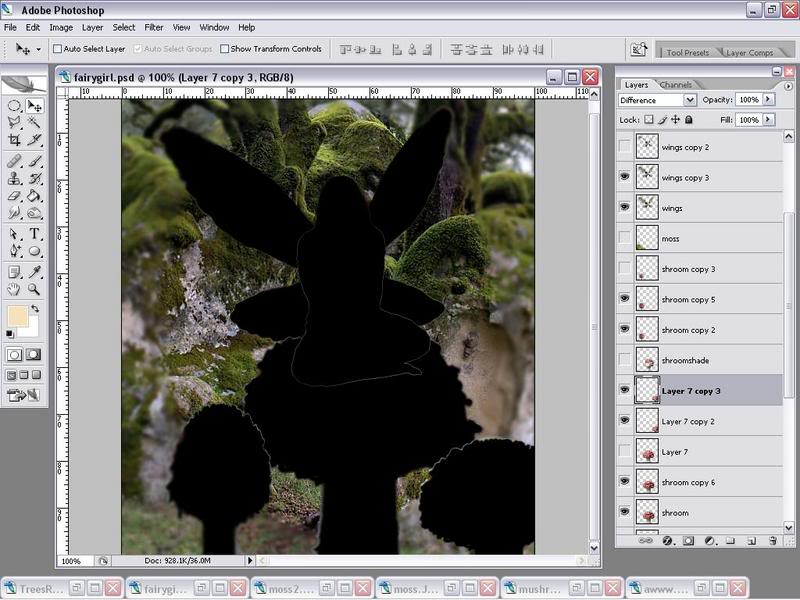
Now turn each Difference layer to 70% Opacity. This will leave the layers in a soft shadow. Now take a soft brush eraser set to 20 % opacity and remove all areas you want light to hit making sure to preserve any where a shadow will hit. If you were to turn everything off and only left the difference layers up this is what it should look like.
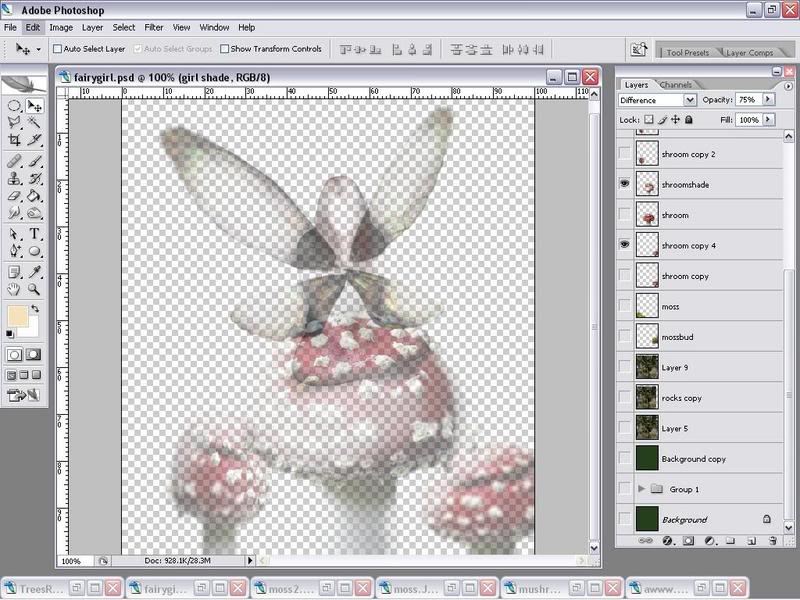
Design a Mystical Miniature Scene with a Fairy Girl - PS Tutorials Lorelei Web Design

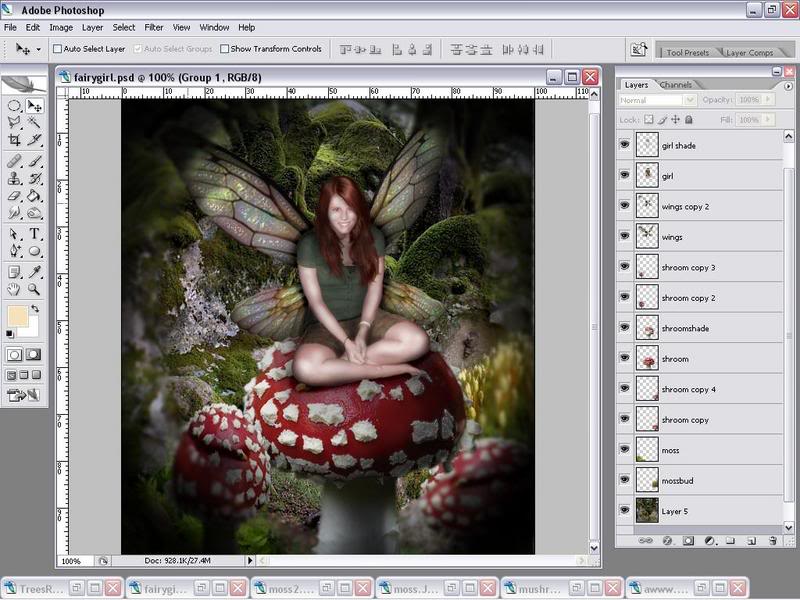
However with all the layers on it looks like this. Lastly add your moss layers. Place then where you want. Again use a 20 % opacity eraser to erase a little at a time to soften the edges and blend then in with the rest of the pic.
Design a Mystical Miniature Scene with a Fairy Girl - PS Tutorials Lorelei Web Design

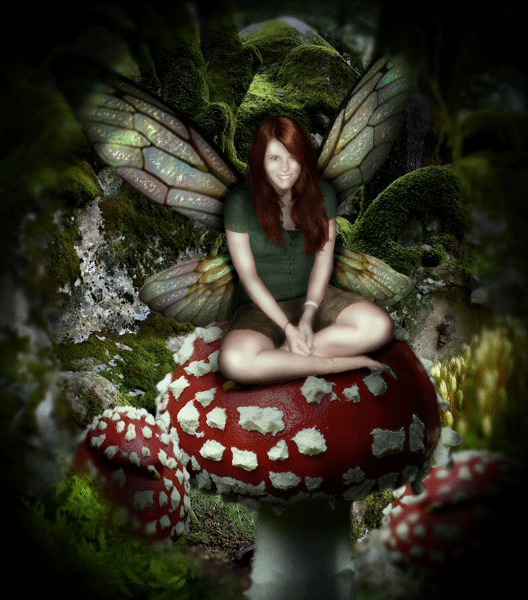
And you’re done! If you have any question do ask!
Design a Mystical Miniature Scene with a Fairy Girl - PS Tutorials Lorelei Web Design

Written by

Elizabeth Lorelei Sramek

AI results optimization architect and SEO expert with 20+ years of experience. Crafting strategies that outrank, outperform, and outlast.

3 responses

  1. clomid insomnia December 30, 2009

    Very interesting and amusing subject. I read with great pleasure.

    Reply
  2. clipping path February 10, 2010

    the work is really good..

    Reply
  3. clipping path February 10, 2010

    really nice work…

    Reply

Leave a response