

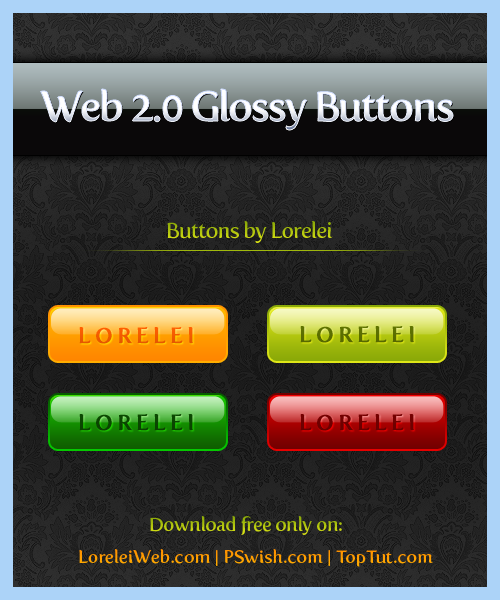
This download will only be offered across 3 of my websites and LoreleiWebDesign.com as being the main source of Photoshop resources, is going to be one of them. The buttons come in 4 colors: Cherry red, lime green, pine green and juicy orange. Enjoy and please remember NOT to offer it for a download on other sites, if you want to share it please link to this blog post. Thank you!


[…] I am sure the outcome will be used on hundreds of blogs! All I did was drawing a circle, applied styles I previously posted and added a bit of a gloss. That’s all. The feed shape itself was a bit tricky but like I […]
je suis tree charger
[…] I am sure the outcome will be used on hundreds of blogs! All I did was drawing a circle, applied styles I previously posted and added a bit of a gloss. That’s all. The feed shape itself was a bit tricky but like I said, […]
It just really isn’t that awesome at all, anyone with a little bit of photoshop skills could do better without that bloated effect. Not meaning to bring you down or anything, it just isn’t “awesome”. 🙂
Really gr8 collection. Thanks for sharing