

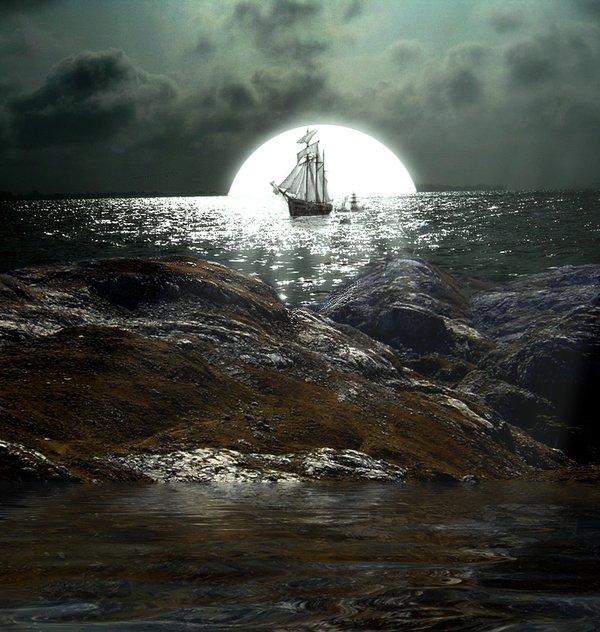
Ok so here is my tutorial for my newest work Back at Sea! So sit back and learn how to create it.
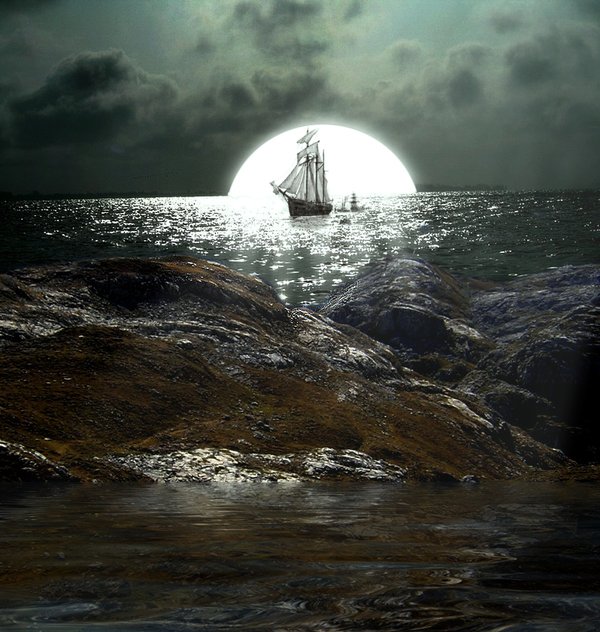
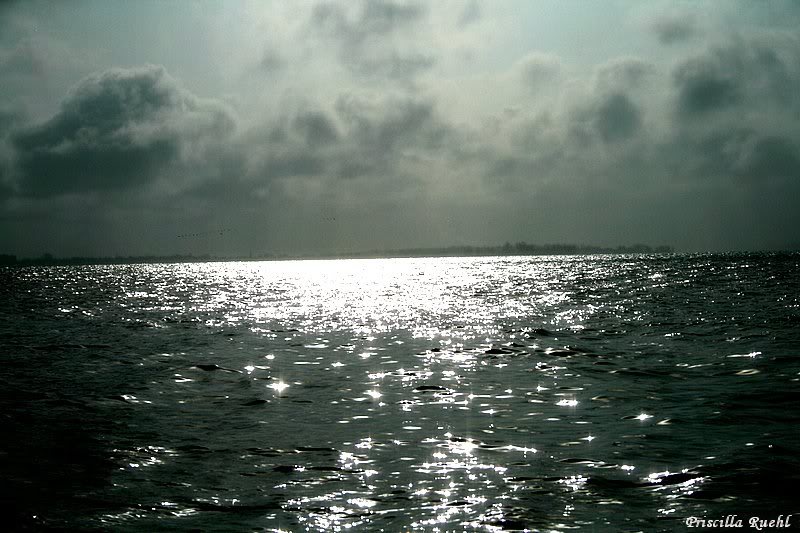
Step (1) Get all the stock images that you would like to use.
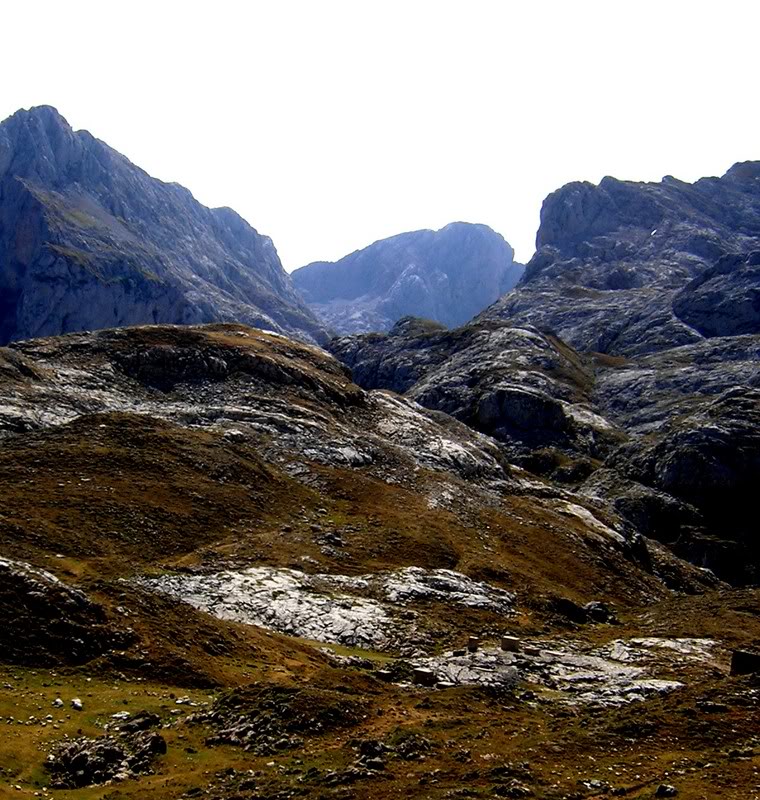
Step (2) Start and erase this part of the image.
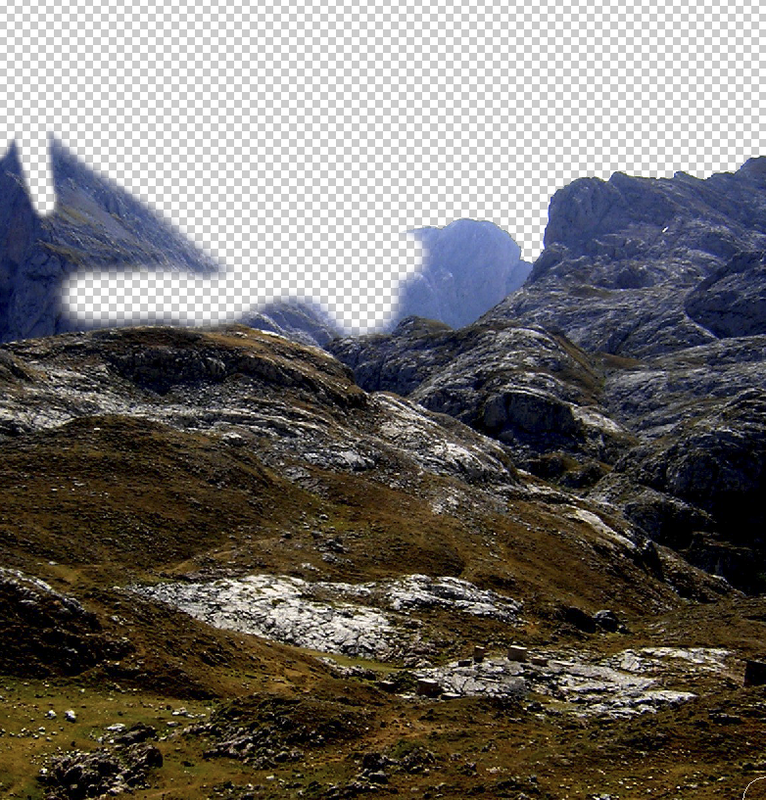
Step (3) When you are done with that place you sea in the background like so.
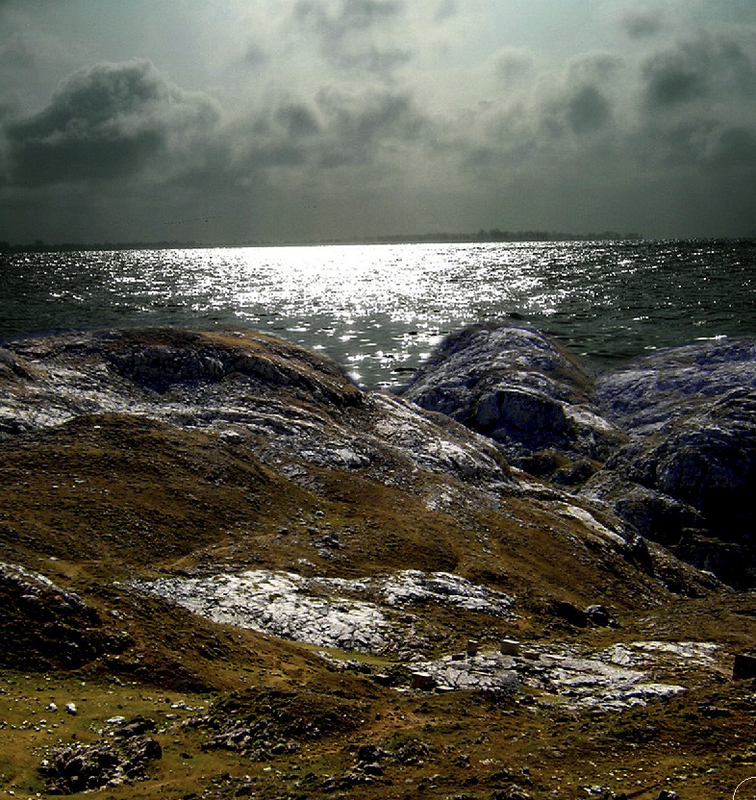
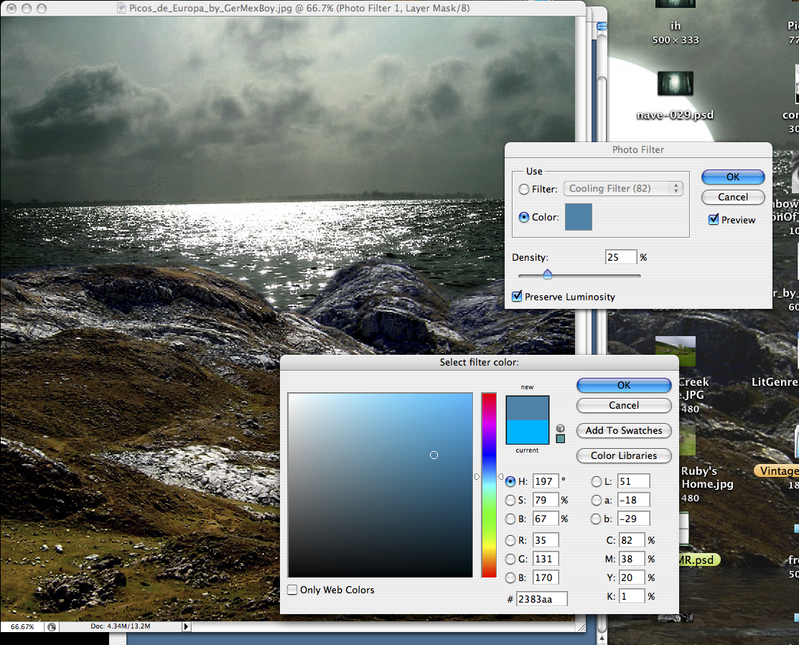
Step (4) Now that you have that done try changing the light on the front rocks with Photo Filter, and also Brightness and Contrast.
Then click OK.
Step (5) Make a new layer. Now we create the moon! Get the Cercal Tool at the top and make a cercal.

(back to pre school) Now make it white.

Step (6) Erase the moon now to the horizon line. Now put a Outer Glow on it.
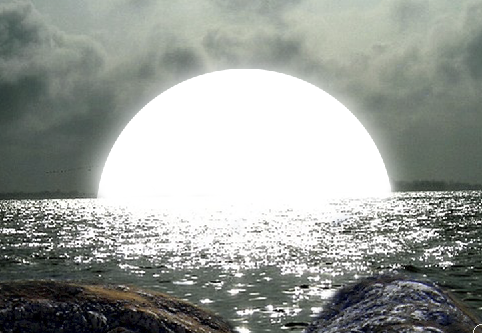
Step (7) Now for the ship! The ship is a brush witch you can get here. Make a new layer and put the ship right over the moon.
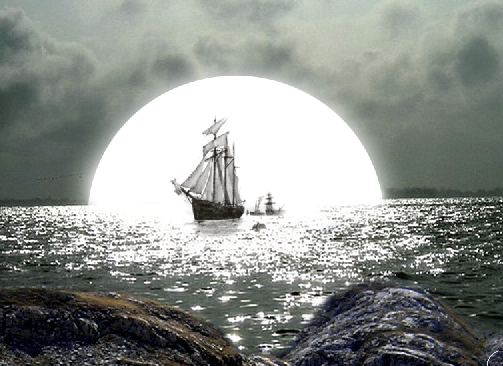
Bonus Part: ok so here is something you can add with Flaming Pear. I use the Flood filter. As you can see!
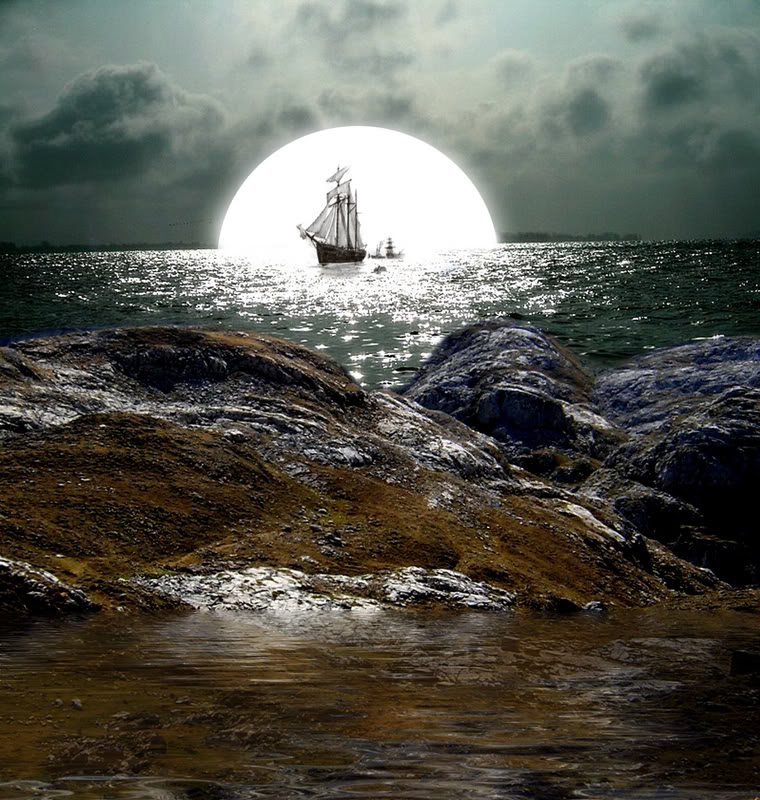
So there it is my short tutorial so I hope you enjoyed it!
Tutorial by Dylan White at www.dylanwhite.net

Love this tut, very good tutorial, i think dodging and recolourising some parts of the hill will give a better lighting effect. But otherwise this is a superb one.
My Last Post : How To Design A Grey-Blue Blog Design In Photoshop http://bit.ly/6QiKS5
looks like a great manip, thanks!
you did amazing work on image, thank you very much for your excellent step by step instruction, I have tried same effects on my project and got appreciated by client..God Bless..have a prosperous career.
Sugoi,usually from where you get inspiration or just it flow from your mind??
[…] Design Dark Sea Ship Photo Manipulation Scene […]
[…] Design Dark Sea Ship Photo Manipulation Scene […]
[…] Design Dark Sea Ship Photo Manipulation Scene […]
[…] Design Dark Sea Ship Photo Manipulation Scene […]
nice manipulation indeed …thanks for sharing…
[…] click here to: View Full Tutorial […]
[…] Design Dark Sea Ship Photo Manipulation Scene […]
Attractive section of content. I just stumbled upon your website and in accession capital to assert that I get in fact enjoyed account your blog posts. Anyway I will be subscribing to your feeds and even I achievement you access consistently fast.
[…] Dark Sea Ship […]